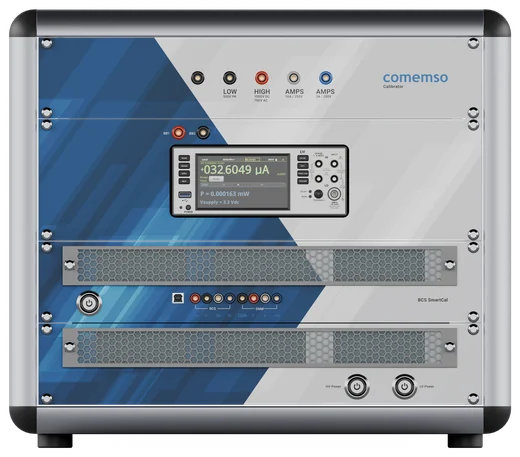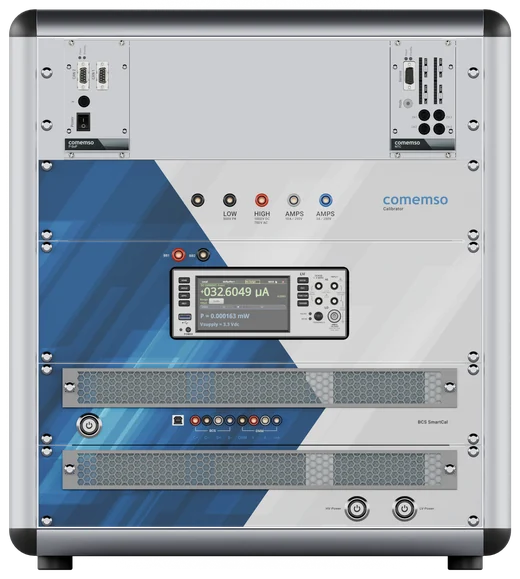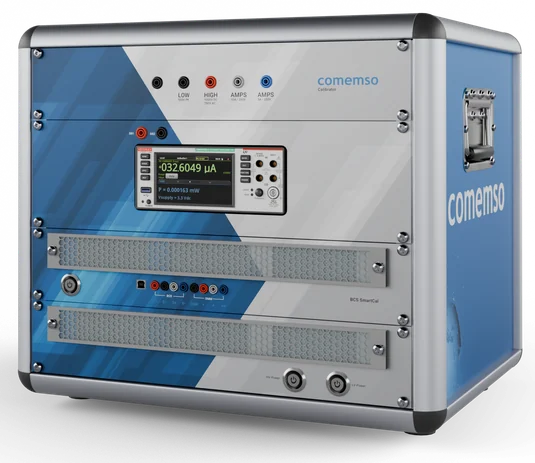
SmartCal automates calibration and adjustment of the comemso Battery Cell Simulator used in battery management system (BMS) development. A guided workflow brings reference measurement, adjustment and documentation together.
A documented voltage basis for BMS testing
Calibration establishes the relationship between cell-voltage settings and reference measurements under defined conditions. Adjustment corrects deviations in the supported workflow. Record a new calibration after adjustment so BMS results have a traceable voltage basis.
The calibration workflow
- Automated calibration and adjustment through a guided sequence
- A calibrated 6.5-digit digital multimeter provides the reference. ISO 17025 defines requirements for the calibration laboratory.
- At comemso: calibration data stored in a central database for traceability
- At your site: values stored in the device and a PDF calibration report generated automatically
- SmartCal for rental or purchase
- Track long-term stability and measurement accuracy with repeatable reference measurements
Calibration at the test bench or on site
Use SmartCal in the laboratory, on production lines or in test setups with hundreds of cells. Calibrated cell-voltage simulation provides a documented basis for dynamic BMS tests.
Calibrate the Battery Cell Simulator at your site to reduce transport and time away from the test bench. Set calibration intervals according to use and your quality process.
Plan calibration for your Battery Cell Simulator
Combine the guided process, calibrated reference and report in your laboratory workflow.
Review the Battery Cell Simulator's precision, calibration and service options for your BMS test setup.
Discuss the reference equipment and calibration workflow with the comemso team.