
One hardware, two uses: BMS research with comframe and a custom test application
A customer in battery research and development uses Battery Cell Simulation with comframe, then builds a custom test application on the same hardware via its open interfaces.
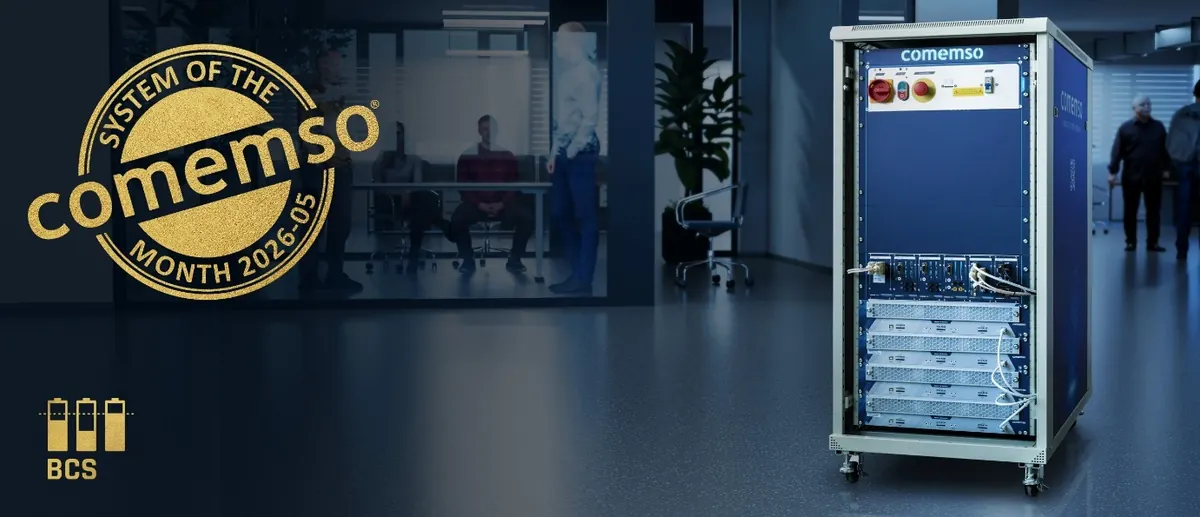
The configuration
- Battery cell, fault and temperature sensor simulation
- Cyclic voltage and current measurements for each cell
- comframe REST API, for example for Python applications
- Direct hardware interfaces: CAN, Ethernet and EtherCAT
Configure the electrical environment of the BMS
The customer needed a way to investigate how a battery management system detects and responds to different cell conditions. The Battery Cell Simulator reproduces the electrical characteristics of battery cells, giving the team control over the conditions presented to the BMS.
With comframe, engineers configure simulated cells, electrical fault scenarios and temperature sensor simulation. Voltage and current are measured cyclically for each cell. This provides a starting point for manual, static tests and for configuring the hardware.
Keep battery models active on the hardware
Simple battery models can be assigned to the simulated cells. These models run directly on the hardware and remain active when another software application takes over control. The team can therefore develop its own application while retaining the configured cell models.
Choose an interface for the custom test application
There are two integration paths. The team can extend comframe through its REST API, for example using Python. Alternatively, it can control the Battery Cell Simulator through the direct CAN, Ethernet or EtherCAT interfaces.
After receiving the system, this customer used that flexibility to develop a custom software test setup. The delivered software and the customer’s application can support different tasks within the same development environment.
Use comframe to cross-check unexpected results
comframe remains available when the customer’s own software controls the hardware. Cross-checking a configuration or test with comframe helps engineers narrow down whether an unexpected result originates in their application or algorithm, or in the hardware control.
A partner team later brought the existing software test setup to the acceptance test of a second Battery Cell Simulator at comemso and ran it on that system as well. Both teams now have a shared starting point for exchanging and extending their test setups.